

After Issues and a Reset:

-
-
here's my desktop clutter, all home - made
and here's the paper with no clutter, again, homemade, using GIMP
Last edited by bobbicat; Jul 19, 2014, 03:47 PM.Comment
-
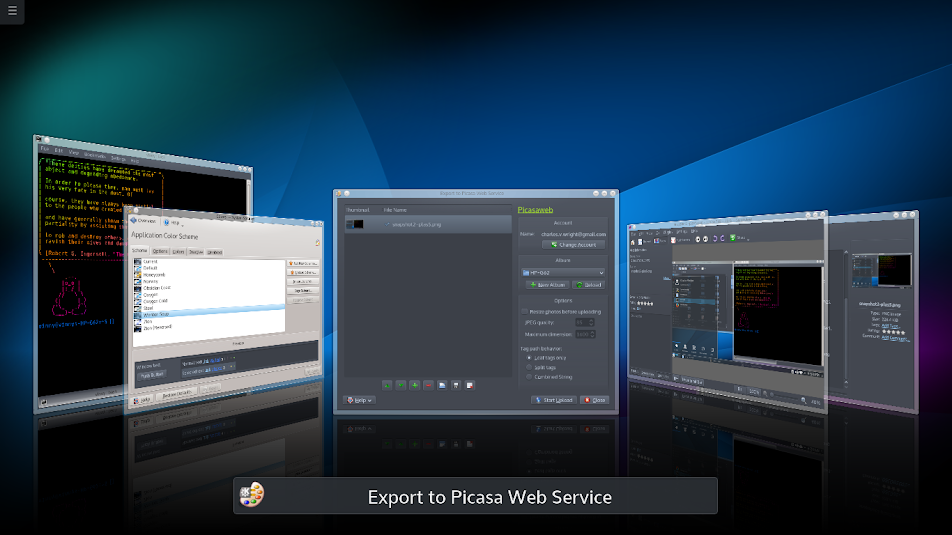
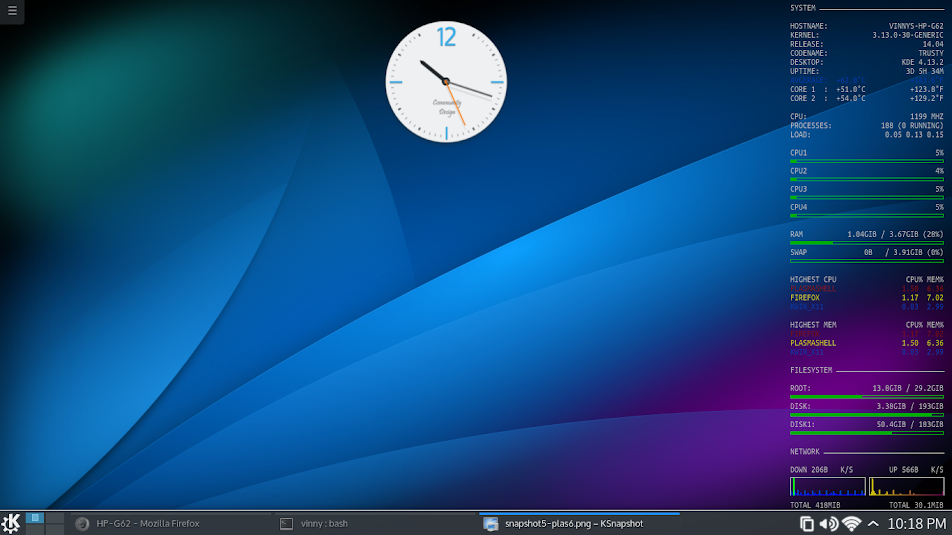
thought I would post some shots of my Neon5 log in session ,,,,,,,,, more theming options seame to work this week and themes downloaded through the associated system settings module actually install

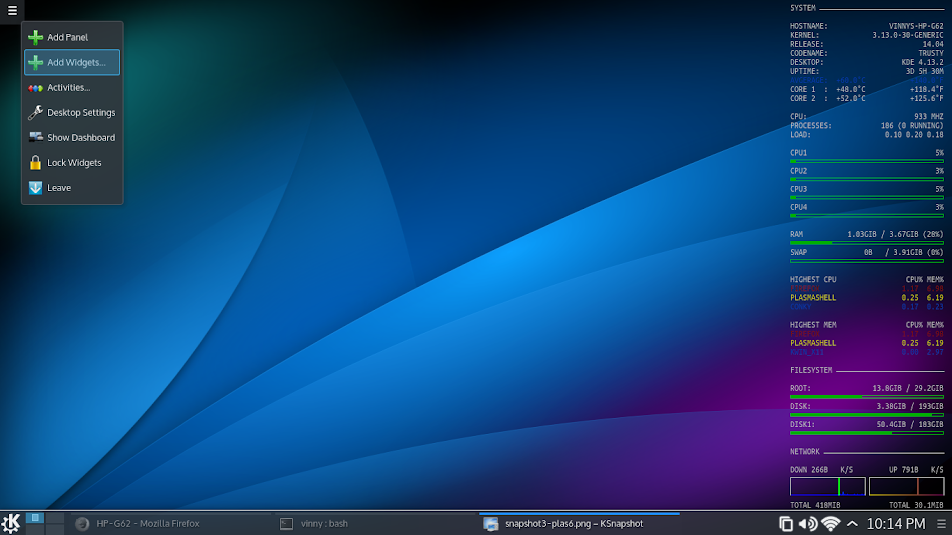
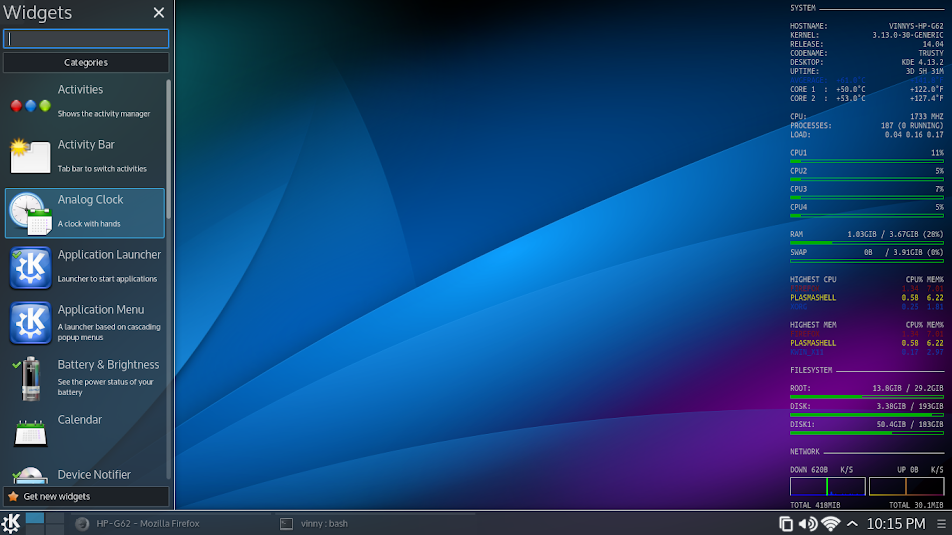
and adding a widget,,,,,,,,,,,,,,,,,,,,,,,,,,,
OK then
VINNYi7 4core HT 8MB L3 2.9GHz
16GB RAM
Nvidia GTX 860M 4GB RAM 1152 cuda cores
Comment
-
also not a KDE screen shot ,,,,,,,,but it is on my Kubuntu-14.04
I always add an alternate desktop environment for a just in case ,,,,,and that is usually Fluxbox , it is light and simple.
So hear are 2 screen shots of it in action

and having some fun with "mpg123" and "feh" wile posting this
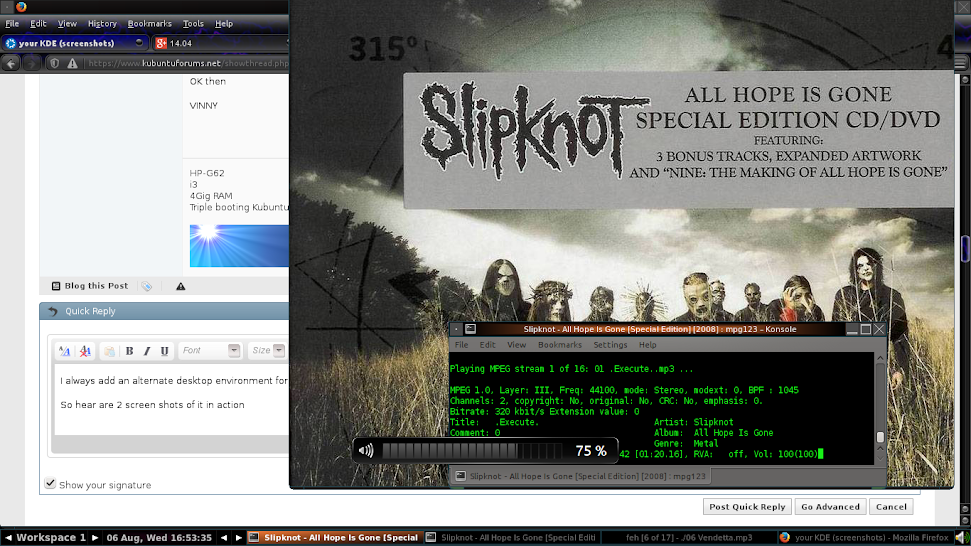

So now we have Fluxbox,neon5 and XBMC as alternate login's
☢VINNY☢i7 4core HT 8MB L3 2.9GHz
16GB RAM
Nvidia GTX 860M 4GB RAM 1152 cuda cores
Comment
-
Use to have Kubuntu on this system but over the years it has migrated to Puppy. Now on Precise Puppy after Xubuntu 14.04 wouldn't run. Runs quick and smooth! System is an old Dell Inspiron 3800.
Comment
-
here is my laptop, nothing too fancy
K 14.4 64 AMD 955be3200MHz 8GB 1866Mhz 6TB Plex/samba.etc.+ Macbook Air 13".Comment
-
Neon /KDE5 over two screens.
Right is the default wallpaper, left one of the other supplied with neon.
The number of available widgets is minimal but the system is reasonable stable.
B.t.w, how do I get an inserted image to show up larger?Last edited by Snowhog; Aug 07, 2014, 09:37 PM.Comment
-
I see your image is hosted at Kubuntuforums.net and listed as an attachment. So IDK just how to do this as I havent "attached" any through Kubuntu (at least in a wile),,,,,,,that sead I keep mine on picasa web ,,,,,,copy image location at picasa paste it hear and wrap it in [IMG] tags ,,,,,,, you do know the ending tag / right ,,,,,,,,Originally posted by Teunis View Post
VINNYi7 4core HT 8MB L3 2.9GHz
16GB RAM
Nvidia GTX 860M 4GB RAM 1152 cuda cores
Comment
-
hard day at work............................home to a few beer's and some awesome KDE goodness with Amarok & project-M
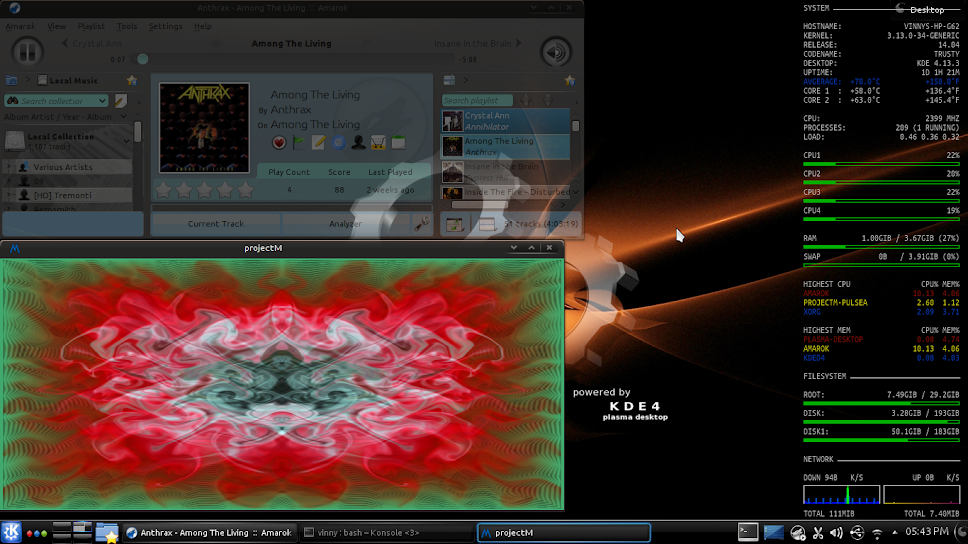
nuff said
VINNYi7 4core HT 8MB L3 2.9GHz
16GB RAM
Nvidia GTX 860M 4GB RAM 1152 cuda cores
Comment
-
Clean and light
 Plasma 5 look&feel for KDE4: http://kde-look.org/content/show.php...content=166438
Comment
-
My 14.04 set-up
Comment
-
That dog is rightfully ****-scared with all them loose icons above his head!Comment
-
Now that you said that, yes it does appear that way!
Comment
-
screenshot
here is my current desktopAttached FilesComment
-
-
wifes desktop
wifes desktop same pcAttached FilesComment
-


Comment